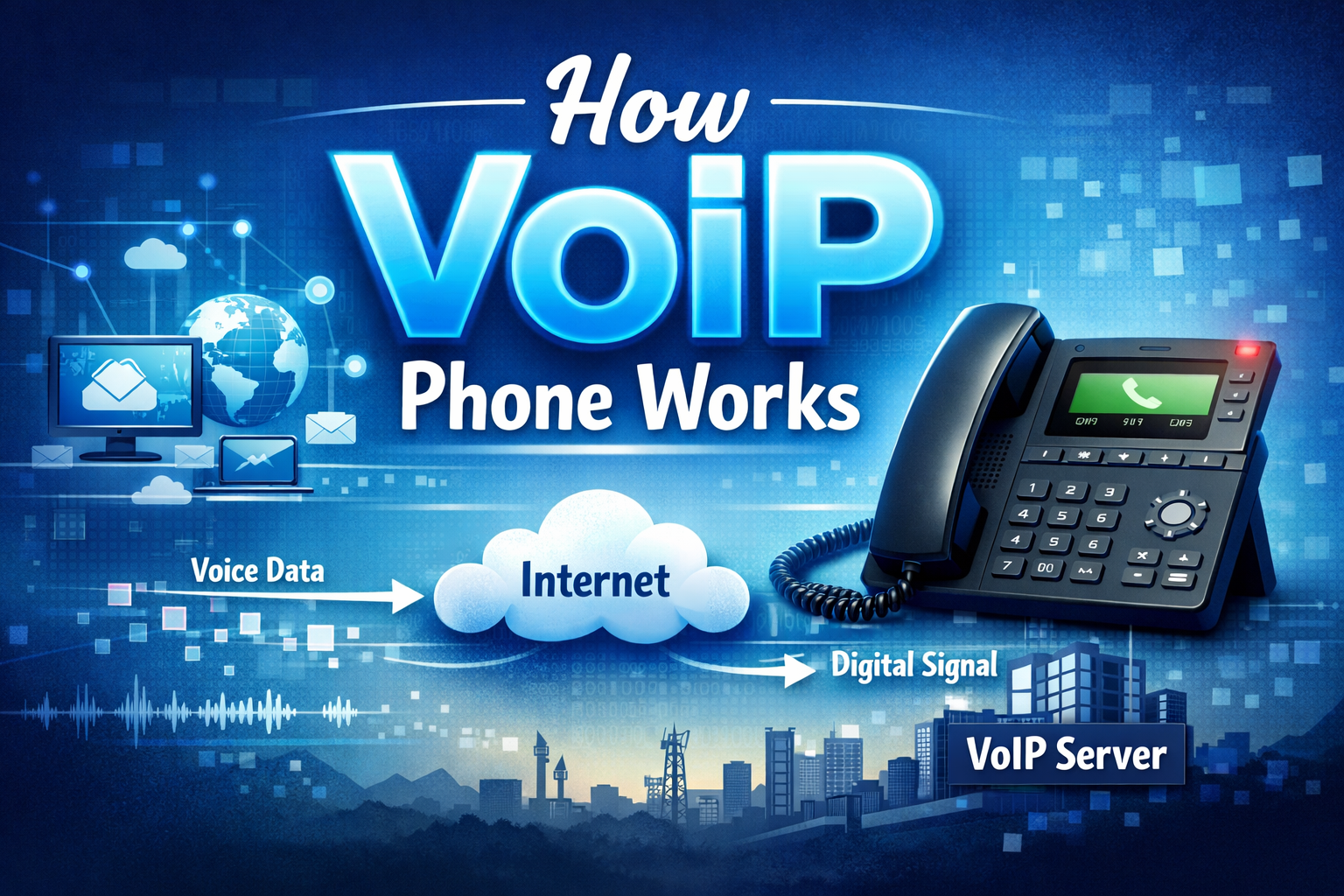
Days of cable clutter and astronomically high telephone bills that strained the traditional landline connections are long gone. Voice over IP (VoIP) is the new reality, in which your web connection is your phone line and provides an unparalleled level of crystal clarity, flexibility, and user-friendly features to conduct business communications.
VoIP technology is similar to the act of sending an email rather than writing a letter and mailing it. Your voice is then transformed into a digital packet of data, which is sent through the internet to your customers wherever they are.
This guide will discuss how VoIP phone systems work and what equipment you require.
What Is VoIP?
Voice over Internet Protocol (VoIP) is a type of technology that enables you to make and receive phone calls using broad band internet connection rather than using a traditional analogue telephone line. This would eliminate the need to use complex hardware or costly long-distance networks.
To use VoIP, you’ll need:
- Fast internet connection.
- A voice-over-IP service provider.
VoIP devices may be VoIP telephones, VoIP phone adapters, or VoIP computer or phone applications.
One of the most used methods of VoIP by businesses is that it is very cost-effective, particularly when making long-distance and international calls. It also removes the hassle of wiring a large area, which is suitable for remote working teams and sourcing flexible working situations.
How Does VoIP Work?
VoIP operates based on the principle of turning your voice (analogue audio signal) into digital data packets, compressing them and transmitting them via the internet instead of the traditional phone system or even a mobile network.
VoIP does not use the phone line but instead utilises your current internet infrastructure either to make or receive calls. The outcome is an adaptable and affordable business phone service.
VoIP may not be a simple term to pronounce, but its simple process is rather simple. We are going to take a look at the way VoIP functions step by step:
1) Registration
The VoIP phone or software makes its identity known to a VoIP server by a process known as Session Initiation Protocol (SIP) registration over an IP network. The server logs your IP address and other details of your device because it realises that your device is online and is willing to receive calls.
The server knows where to route your call as soon as your device is online and capable of receiving calls and someone makes an attempt to call you.
2) Establishing a connection
Upon making a call, your VoIP gadget issues an invitation request over SIP to the VoIP server. Such a request entails information on the caller and the recipient sought.
The server is a mediator, finding the VoIP device (or the traditional phone in case of an adapter) of the recipient and establishing the connection between the two.
3) Voice data transmission and reception.
An Analogue-to-Digital Converter (ADC) converts the voice signal, which is an analogue signal, into a digital representation. The computer information is then divided into tiny bits.
They are sent on the internet through protocols such as Real-time Transport Protocol(RTP) or User Datagram Protocol (UDP). The packets are received on the other side and reassembled in the proper sequence and converted once again back to analogue sound waves through a Digital-to-Analog Converter (DAC).
Codec (Coder-Decoders) are important here. They censor the audio information, and transmit it in a compressed form, which is easy to transmit via the internet, and then it resumes to the other end and decompresses the audio information. Ordinary VoIP codecs are G.711, G.729 and Opus.
Lastly, your voice goes through the speaker or the headset of the recipient.
4) Ending the call
When the call has ended, and one of the sides has hung up the phone sends a SIP BYE message to the VoIP server. The server will then close the session, disconnect the devices and release the resources utilised in the call.
It is nice to know how VoIP works, but as a company, you are basically ready to have a good VoIP phone service. It manages the back-end infrastructure for easy communication with your customers.
Which VoIP Equipment do you require?
VoIP is based on the integration of hardware, software, and an effective network infrastructure. The following are the VoIP equipment you are going to require to install a VoIP phone system in your business:
1. Hardware & software
VoIP calls are fully internet-based; however, to connect, you will require certain equipment. VoIP hardware of high quality will save you the hassle of having to deal with old equipment and enhance the quality of calls.
You will most likely find the hardware and other related software essential here.
- Modem and router: This is the device which connects your network to the internet making it possible to transmit VoIP data.
- VoIP headsets: These are optional, but are suggested to be used when having a hands-free communication mode and also when the audio quality needs to be better, particularly in loud places.
- Analogue telephone adapters (ATAs):enable you to use your analogue phones with a VoIP system.
- VoIP desk phones: This is optional again, but easy transition off traditional telephone and they are easy to use, particularly in making audio only calls. These VoIP desk phones have more audio experience.
- VoIP phones or softphones: VoIP phones are VoIP-specific phones. Softphones are computer programs that allow one to make calls using a computer or cell phone.
- VoIP service provider: A good service provider that delivers the features and helps you with your business requirements.
- Provisioning software: This is software that your VoIP provider usually supplies you to enable you to configure and set up your VoIP system.
2. Internet connection
- VoIP calls require a fast and quality internet service. The recommended minimum speed is 100 Mbps download and upload speed.
- Make sure that you have enough bandwidth that can sustain your anticipated call traffic. VoIP has an approximate bandwidth of 100 Kbps per device.
3. Optional components
- IP Private Branch Exchange (PBX) systems: Specialised communications systems which perform the functions of call routing, voicemail, conferencing, etc on behalf of businesses.
- VoIP gateways: Link up traditional phone network with VoIP network to facilitate communications between VoIP and non-VoIP phones.
What is the reason to prefer VoIP over a landline?
Conventional landline phones use the Public Switched Telephone Network (PSTN) to transfer voice call using special copper lines. Although landlines have good quality of calls and reliability, they are limited by the following aspects:
- Increased expenses: They are usually charged in terms of installation cost, monthly rental fee, and as is often the case an expensive long-distance calling rate.
- Minimal features: Provide simple calling services and do not offer the advanced features of the VoIP systems.
- Decreased movement: Tether you to a geographic site, so that you can not be moved.
VoIP offers more cost-effective options to business, mobility and convenient features due to the reduced number of hardware pieces required. The quality of calls can be irregular, depending on the VoIP provider, speed of the internet, and even interrupted by power outage and network jitter, but the majority of VoIP issues can be addressed easily.
Some best practices along with a trusted service provider will suffice to get you going. VoIP is new telecommunications and more preferable than the landlines.
What are the essential VoIP technologies that you must be aware of?
1. Hosted VoIP for business
An in-depth VoIP phone system is a system that comprises of numerous hardware, such as smartphones, to offer integrated communication to the business. This is stuffed into a cloud phone system or a cloud PBX.
With an online interface, administrators are able to control the permissions and features of every employee as well as more advanced VoIP functionality.
Once an employee makes a call to a customer, they take the handset and dial the customer the way they usually do. The IP phone (or app) goes through your Local Area Network (LAN) switch and business router and into the VoIP service provider. The VoIP provider then puts up the call.
In a case where the network route to the called party can send a digital voice signal, then the quality of the call is upgraded to high definition. Otherwise, a VoIP service provider will connect the call via the public switched telephone service.
It is that easy to use a hosted VoIP in your business. But in the case of an established business having a more advanced phone system, the requirements are varied.
Particularly, in case the office subscribes to a PBX, then it is likely that you are also paying on the trunked telephone lines. These trunked lines are used with the PBX to the phone company – and they are not inexpensive!
2. PBX telephone system SIP trunking.
There are situations when companies are trapped in the hybrid phone system because of the expenditure incurred in substituting hard-wired phone lines in all the offices. VoIP can also be applied to create a number of calls via the internet since it takes the Session Initiation Protocol.
In the diagram below, SIP trunks will accept the call of the VoIP provider. Inbound and outbound calls are directed by similar channel until they reach the business location and are hardwired to a PBX.
Similar to the old-fashioned circuit switching of analogues, the trunk performs the role of a switch to reorganise and direct data.
The greatest advantage to both big and small business organisations is the availability of a hardwired telephone system on the grounds. The SIP Trunking enables a combination of the old phone system and the new VoIP solution to get rid of redundancy.
SIP Trunking is a service offering several channels of voice demand as either on demand and on an IP-based PBX.
SIP Trunk is either metered or unmetered at 15-25 dollars per month. They are not as tough to establish either. The only thing you need to do is give your PBX the SIP username and password.
3. Mobile phones and Wi-Fi networks.
Unified communication is necessary because of the meteoric emergence of mobile devices in the workplace.
The workers are not tied down to their desks. Remote employees and road warriors can already receive business calls by accessing the VoIP application on their smartphones.
Ethernet may not be a viable choice in certain offices. The Wi-Fi speed has been enhanced significantly and this has paved the way to Wi-Fi calling.
Monitor bandwidth usage of network congestion. Some network settings may also require some fine-tuning.
In conclusion
Businesses and consumers alike are abandoning the outdated landline technology in favour of wireless and VoIP-enabled telephones and it does not take much guessing to understand why. Companies that implement this technology today will be successful in the coming years and will have access to the entire functionality of VoIP used in business telephony. It needs practically no equipment and can be expanded with your business.
FAQs
Q: What is VoIP and what is its meaning?
VoIP is an abbreviation that denotes Voice over Internet Protocol. It is a technology that allows making and receiving of phone calls over internet rather than phone lines in the traditional sense. Imagine it to be you turning your voice into web-based data.
Q: Are VoIP phones compatible in the event of power failures?
No, VoIP phones require electricity and internet. Contrary to the normal landlines where power is transmitted via the phone line, VoIP devices cease to function with the loss of power unless otherwise provided, like a UPS battery, a backup power source.
Q: Does VoIP allow me to retain my current phone number?
Yes, the majority of VoIP providers will permit you to port (transfer) your current telephone number to them. This process will last one-three working days and leave you with the same number of customers that are already familiar.
Q: What internet speed do I require in making VoIP calls?
VoIP is bandwidth-intensive-it only takes 64-100 kbps per call to be of good quality. An average broadband connection can easily support several simultaneous VoIP calls without interfering with other internet operations.
Q: Are VoIP calls as clear as normal telephone calls?
VoIP calls can be clearer when using a good internet connection compared to using a phone. But the quality of the calls is fully determined by the speed and the stability of your internet–when that is low, you will get poorly synchronized choked audio.
Q: Does it allow me to use my current desk phones with VoIP?
Sometimes. The adapter (ATA device) can be used to use traditional phones with an adapter or upgrade to VoIP-specific IP phones. Most companies are favouring IP phones due to their enhanced characteristics and integration.