The greatest challenge that employers face as they shift to remote work is their business phone system. A phone system installed virtually provides you with a lot more features than landlines.
The old type of phone systems simply cannot deliver the functionality as it is required nowadays. The members of the team are not at the office to receive calls or to have a desk phone to receive calls.
The move to remote work implies that companies should have a virtual phone service that would take their staff out of the constraints of a physical landline.
Therefore, is it possible to operate your business using a cloud-based phone system? Is it hard to set up? What are some of the characteristics I am supposed to consider? Is it able to work with small businesses? All of these and more will be in this all-inclusive guide.
What is a Virtual phone system?
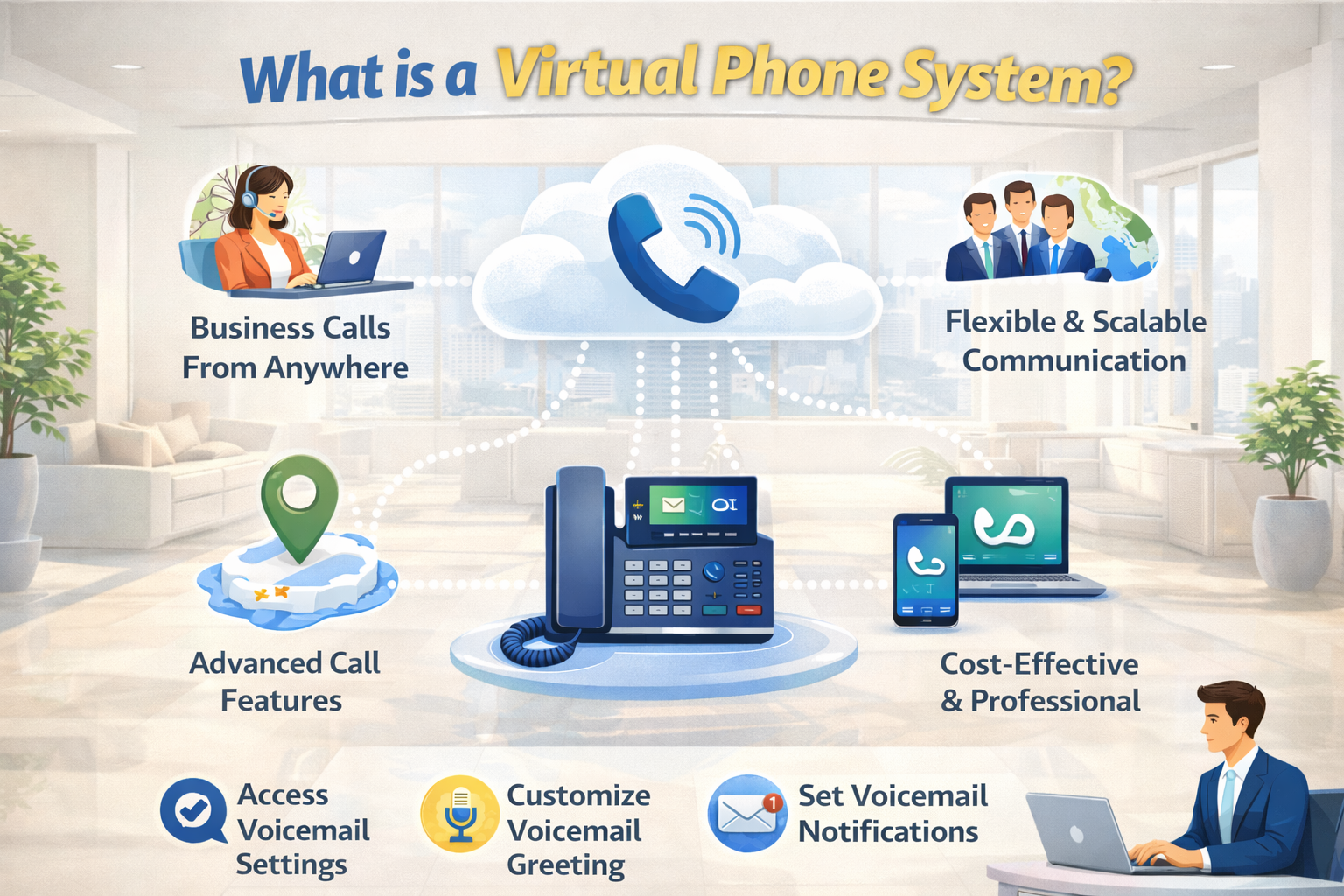
A virtual phone system refers to a communication platform that enables teammates to make and receive phone calls via the internet rather than a physical landline. A virtual phoning system enables a user to chat on desktop application, mobile phone or desk phone using one business phone number.
The most significant excuse given by companies to migrate the phone system to cloud is that they want to leverage the advanced features available with the virtual phone system. It allows companies to become more productive and expand their team.
In simple terms, a virtual phone system is an affordable means of staying in touch with the whole team. According to new studies close to 40 percent of firms have remote workers. You will require a phone system that will be operational both in and out of the office.
How does a Virtual Phone System operate?
Your virtual phone system enables you to use your existing hardware to ensure you can work at any location unlike traditional phone systems that only work within one location. You are able to receive and make phone calls assuming that you have an internet connection.
A virtual telephone system provides links between the toll-free and local telephones and the users. Before your telephone rings, there is a lot of technological wizardry involved. Yet, the best thing you should keep in mind is that you do not need to bother yourself with the technology because it is the virtual phone system provider that takes care of it!
These virtual phones operate as it controls all the telecommunication infrastructure and the connection between the system and the Public Switched Telephone Network which is abbreviated as PSTN. That’s just for connectivity.
The phone is connected to the internet through the virtual phone system exercise, which uses the Voice over Internet Protocol (VoIP) and therefore the phone connection is through the internet instead of the actual telephone lines. It transforms your analog sound phone calls over VoIP codecs to give you high quality call and it lies at the heart of a virtual phone system – regardless of which phone number you dial.
Landlines are far more different. Whatever the telephone company sets up, you are locked in. One can only be connected by way of wired connection. The rising tolls and monthly fees also cannot be ignored. VoIP allows you to make a call at any location provided you have internet connectivity, and it is also compatible with a strong Wi-Fi connection.
Virtual phone systems allow you and your staff to work with higher reliability, higher quality of the calls, and a variety of advanced features.
What is the difference between a Virtual phone system and a PBX?
You could have a Private Branch Exchange (PBX) system in case you are not currently on a VoIP phone service. It’s not fancy, but it works.
A Private Branch Exchange (PBX) is a phone system that involves the utilization of analog signals. The virtual phone systems translate analog signal into digital signal and transmit it over the internet. They both offer phone functionality albeit differently.
The major distinction between a PBX and a virtual phone system is the way in which calls are managed on the Public-Switched Telephone Network. The VPS is a far cheaper and more scaled system compared to the conventional PBX.
Advantages of Virtual phone system
Business phone systems are not equal. You require a better-than-average phone service. This is the reason why a virtual phone service is more acceptable by small businesses and enterprises.
- Easy setup
The best benefits of a virtual phone system are that it is simple to install and operate.
The conventional telephone systems are hard to set up. You have to wait until the installer runs wires and cuts holes throughout the office. At this period, your group members will not be in a position to call or be called on the phone. Would you be able to stop business?
A virtual phone service functions in any place with a high-speed internet connection. Phone hardware is optional, and so you can start immediately. And when you receive your VoIP phones, all you should do is to plug it. That’s it.
The VoIP phone service offered by Nextiva fits well with remote workers and at their workstations. It is simple enough to put together without an IT requirement.
- Lower costs
It is always common that businesses end up paying solutions but failing to utilize them to their fullest. This results in a lot of waste. A virtual phone system provides you with an opportunity to choose the right set of features and lines that fits you.
You will get the highest value when you get virtual whether you need a full office phone system or a small business phone plan.
Physical phone systems based on landlines are extremely expensive to install and maintain, running in the thousands of dollars.
When you choose to use a virtual phone system on the other hand, you do not necessarily have to spend money in acquiring costly hardware such as PBX servers, or IP phones. You also will not have to spend your budget on line rents, installation charges, or the cost of upgrades and maintenance fees.
Actually, all you require to start using virtual phone system is business phone subscription, internet connection and VoIP-enabled devices (PCs, laptops, mobile phones).
Also, virtual phone systems often have a lower international call costs and have exquisite inbuilt services. Hence, it is much more affordable in both the long and short-term.
- On-demand phone numbers
Most remote teams probably have different area codes and irregular prefixes of their phone numbers, which is enough to cause challenges in communication. In case it is not easy to you, think about how your customers feel.
Virtual phone systems will provide your team with a professional face in order to even out the discussions. You may utilize some free of charge number, choose a local number or a vanity number, or even zero direct-dial numbers. It’s all up to you.
In the event that you require the establishment of geographically targeted phone numbers, you can. It is an excellent idea to make your calling campaigns successful.
Regardless of the application, your team can always make use of the choice of phone number. The call routing can be advanced to redirect the calls to their mobile phone, their voicemail or to any other individual as needed. It is a convenient business call center.
A virtual phone system revolves around privacy. Your employees are also able to hide their caller ID so as to place and accept business calls without exposing their cell phone numbers. In addition, it encrypts phone calls to provide maximum VoIP security.
- Flexible device options
Wired phones further demand your team to receive calls using a desk phone. That’s it. Using Voice over IP, your team will be able to communicate using numerous devices.
Virtual phone systems embrace open standards that are universal. It is interoperable so that you can receive business calls on any IP-based device as opposed to just a desk phone. Example devices include:
- softphones on desktops or laptops.
- iPads and Tablets
- Conference phones
- Android or iOS apps
- Wireless VoIP phones
These standards enable you to combine and match the appropriate hardware to your own. A support rep cannot have the same needs as an executive. These gadgets are based on the Session Initiation Protocol (SIP) in gaining reliable business calling.
- Intelligent call routing
With ease, pick-up incoming phone calls and forward them to the appropriate individuals. When your staff can only be reached through cell phone, you are already aware of how annoying it is to handover business calls. The phone service providers do not have this hassle in the virtual case.
To start with, you can route business phone calls to your main number using an auto attendant. This feature allows the callers to select the department or individual they want to get in touch with. This should be installed in every business.
Second, you are able to have automatic call forwarding according to business hours. Provided you have an answering service, then you can set this at your own time, via a friendly and simple interface.
Third, the availability of your team is controlled. The users can set their forward or redirect callers to voicemail. This is a fine grained control of phone service which leads to customer satisfaction and sales.
To access higher business demands, a cloud-based call center will do the job. It also allows you to utilize the cutting-edge capabilities such as skills-based routing, artificial intelligence, call queuing and interactive voice Response (IVR) to process any number of calls. It’s all virtual, too!
- Powerful reporting and analytics.
On which days of the week are the busiest? What would the call volume be during the holiday? Do we need to hire more agents? Real-time call analytics and reporting can only answer these questions.
Such dashboards will assist you in controlling the number of calls and connecting them to business outcomes. In the past, only organizations of the enterprise size could have these capabilities. Analytics have now become usable by small businesses to scale.
This data is accessible and easy through virtual phone systems. It is functional when you have call center agents. You can improve the one-on-one performance review of the team. There is no need to track their time manually or micromanage their time on the phones.
- Greater cooperation within the teams.
This is the rubber that meets the road of remote teams. Your workforce located remote must respond quickly. You cannot allow projects to wait because of a lack of communication.
You do not have to use numerous messaging and communication applications, so you have one. You can also use a short text message to send a colleague rather than dialing his or her phone number. It is not as formal as an email and it is quicker as well. In addition, it does not ping your entire project management app.
Any virtual phone system must feature audio and video conferencing. A single click allows bringing your team together and offering dial-in to those who do not have a robust VoIP connection.
How to Select a Virtual Phones System?
To choose the most suitable virtual phone system in your business, you need to evaluate your needs individually and what features you need in your day to day running. Below is a step-wise procedure to be followed:
1. Determine What You Business Requires.
- Identify the key application of the virtual phone system.
- Determine the number of users that will require access.
- Take into account the need of international calling.
2. Narrow down on Important Features.
- Find out what features suit your objectives and these include:
- Call forwarding
- Voicemail-to-email transcription
- Auto-attendants
- Video conferencing
- Factor in scalability- make sure the system can expand along with your business and also there should be the possibility of having easy additions of both users and features.
3. Pricing and Plans Comparison.
- Assess the pricing schemes and make the bills transparent.
- Check whether it contains some hidden charges or limitations to use.
- You can make use of free trials or demos to determine how the system will fit your workflow and then make a commitment.
4. Determine Reliability and Customer Support.
- Make sure that the provider is good in terms of call quality and uptime.
- Verify customer support, does it have 24/7 support, live support or phone support?
5. Assess Integration and security characteristics.
- Check with CRM, email and project management applications to increase productivity.
- Make sure the system is well secured through encryption and adherence to industry standard.
In Conclusion
Virtual phone system is an up to date communication tool which allows businesses to handle calls, messages, and meetings via cloud computing. It also removes the use of phone lines which is traditional and flexible, scalable and cost efficient, particularly where remote or hybrid teams are needed.
A virtual phone system will help the companies to present themselves in a professional way, enhance communication with customers and adjust without difficulty to the digital-first workplace. With the ongoing shift of business communication to the internet, virtual phone system offers the effectiveness and convenience that is required by businesses of today to keep in touch and remain competitive.
FAQs
Q1. What does a virtual phone system mean?
A virtual phone system refers to a cloud-based communication system that enables companies to make and receive calls via the internet as opposed to landlines. It directs the calls based on the VoIP (Voice over Internet Protocol) technology and is available across any gadget like smartphones, laptops or desktop phones.
Q2. What is the way a virtual phone system operates?
The internet is used in making calls by virtual phone systems. When a person makes a call to your business by dailing the business number the call is channeled through the server of the provider to your preferred device. This enables easily communicating between teams and sites without having to install on-site PBX (Private Branch Exchange) equipment.
Q3. Who is the user of virtual phone systems?
Small to medium-sized businesses, distant employees, new businesses, call centers, and freelancers are the ideal consumers of virtual phone systems because they require the ability to communicate professionally but do not require the large infrastructure expenses associated with different phone systems.
Q4. Is VoIP equivalent to a virtual phone system?
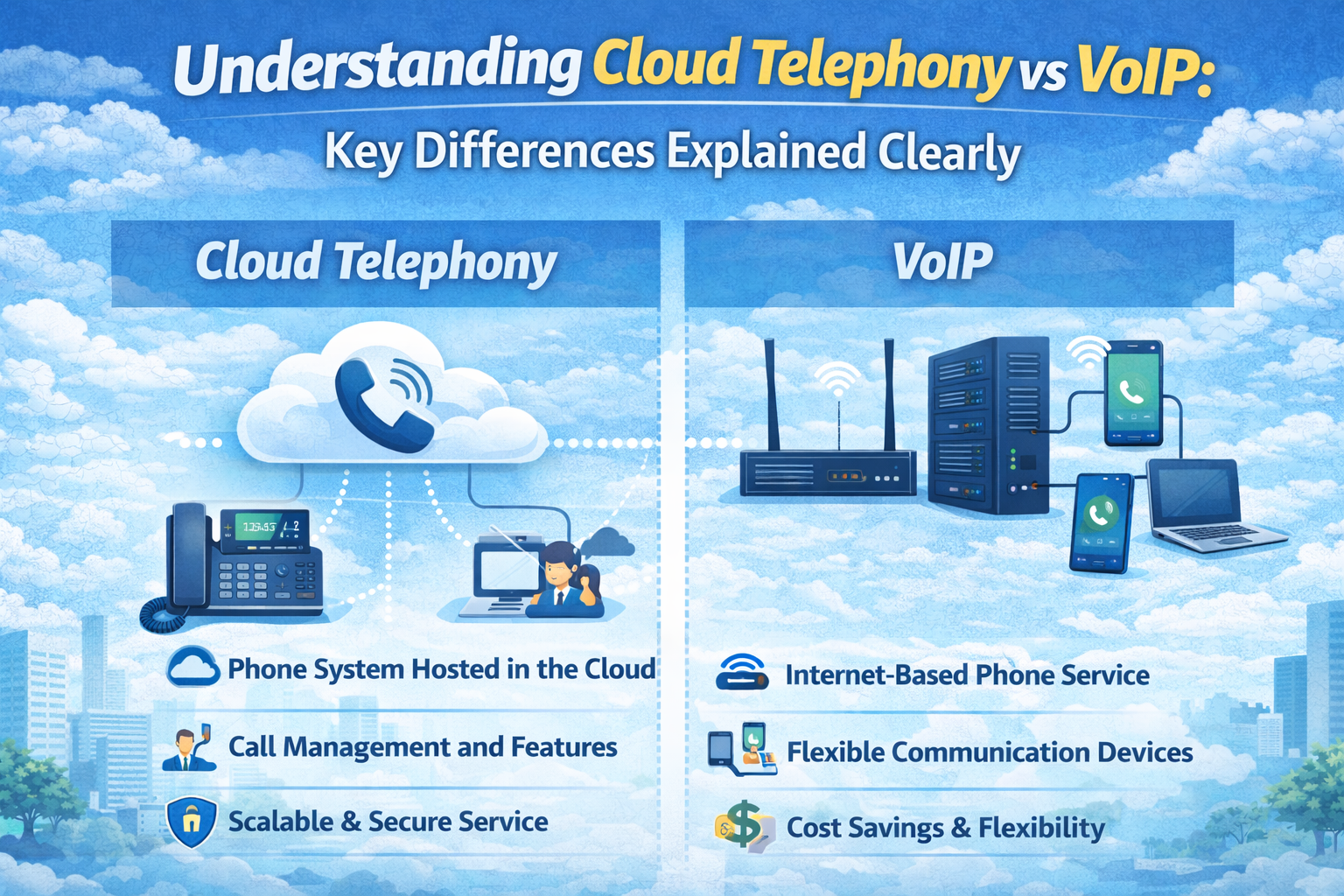
Not exactly. VoIP is the technology that enables voice communication via the internet whereas virtual phone system constitutes the entire solution that is based on the VoIP. It possesses administration tools, routing alternatives as well as business features.
Q5. Are virtual telephone systems secure?
Yes–Calls and user information is secured with the help of reputable providers that employ encryption, secure data centers, and authentication protocols to ensure the safety of information. Nevertheless, it is advisable that users adopt the best practices such as the use of strong passwords and secure networks.
Q6. Would it be possible to keep the current phone number?
The majority of virtual phone companies provide number porting, which means that businesses will be able to transfer their phone numbers to the virtual system without having to break their existing lines.