As many businesses go “remote” or “hybrid,” many are moving to more flexible business phone solutions that don’t require your desk or your personal cell number.
Modern digital softphones are the ideal solution for teams and entrepreneurs. But what are softphones, and how can they assist your business in growing? A softphone is a VoIP phone system. It provides tons of benefits in comparison with traditional phone service like, advanced features, scalability, mobility, call quality and costs. And although VoIP is less costly compared to landline, all VoIP providers have different pricing packages and features. It’s important to be aware of VoIP costs so as to be in a position of selecting the most cost-effective cloud-based phone system for your firm.
This blog explains everything you need to know about softphone systems, from how they work to why you should now use one for your business.
What is a softphone?
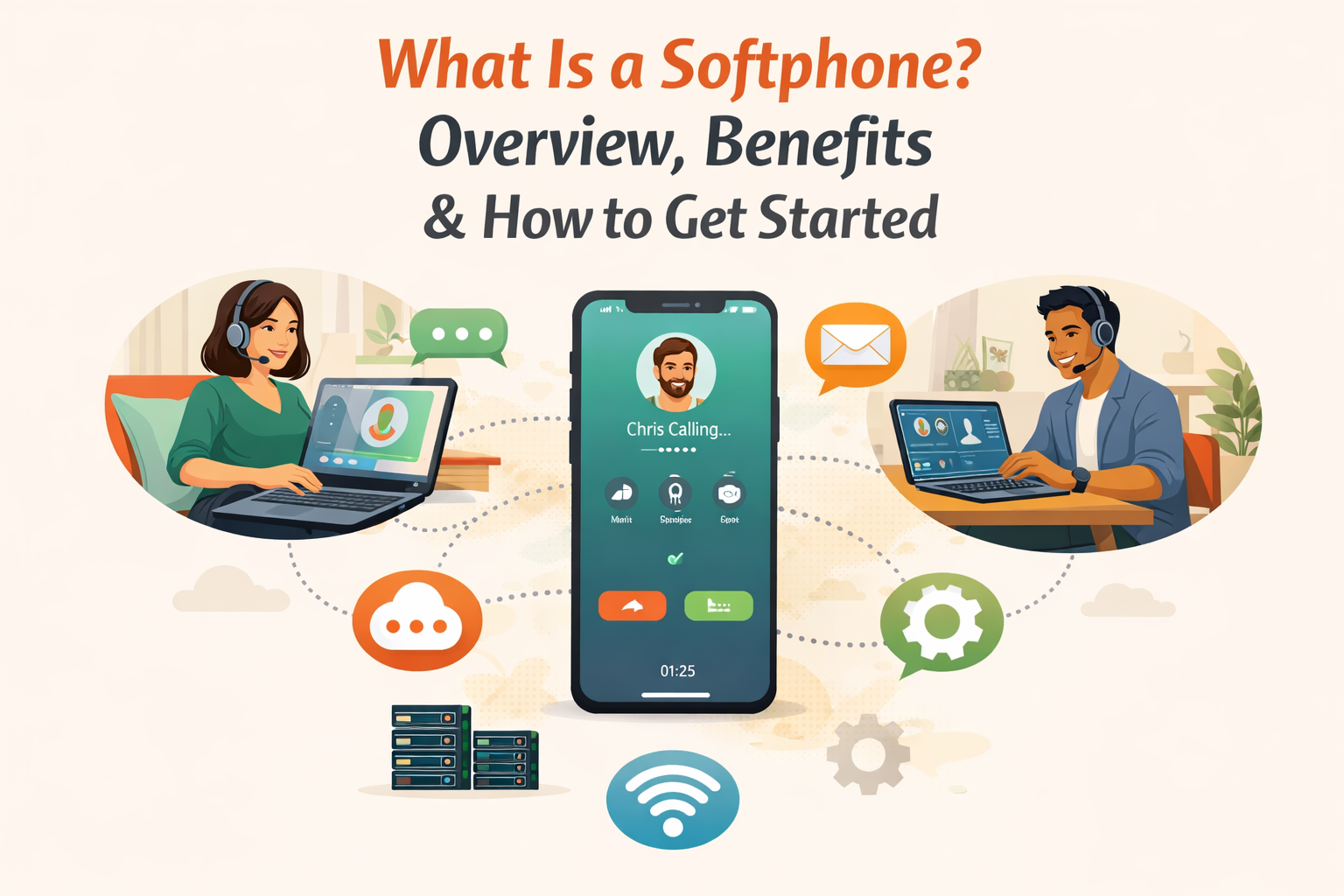
Softphones are internet phone systems which allow users to make calls using their simple computers or mobile gadgets using the software interface. They are literally a virtual telephone handset that mimics the functionality of a real telephone handset, except that they are completely virtual.
Unlike traditional hardware such as the desk phone, a softphone gives a digital calling interface which can run in Voice over Internet Protocol (VoIP) networks. Softphones enable businesses to work more flexibly for managing communications; they support remote teams, hybrid workforces, centralized call operations, and many more.
Softphones replace physical phones with augmented functionality. Various apps allow users to forward calls, set voicemail, call recording, instant messaging, video conferencing, integrate CRM platforms, and use other collaboration apps. Employees may make calls through their professional business numbers and can still maintain privacy without sharing personal mobile details.
How do softphones work?
Softphones connect through a VoIP provider using a user’s credentials. Direct calls are made through the app via the on-device audio or a linked headset. Internet connectivity enables voice data to be collared onto IP networks, making direct internet-based calls possible.
Softphones allow employees to initiate calls to anyone using their business phone number and not their personal one thereby removing phone number fingerprinting. Softphones depend on reliable protocols like SIP (Session Initiation Protocol) to initiate, control, and make calls. Digitized voice packets travel over the Internet, which allows for successful high-quality voice communication as long as the device maintains a stable broadband connection.
Why Businesses Choose Softphones?
Softphones are an excellent option when you are trying to get your team to talk.
- Cost-effective desk phone alternative
VoIP softphone is a cheaper substitute to the expensive traditional phone lines and hardware system. Businesses that move to softphones usually save on phone costs by 60% which eliminating the need for expensive desk phone hardware.
In contrast with a VoIP phone, you usually come across softphone capability being provided as part of your existing business phone service (or at a small price). This way, you will be avoiding payment for the equipment that you do not use to the full.
- Instant setup and deployment
It will take you only minutes to download a softphone through your computer or mobile device. Setup typically only requires you to log into your corresponding VoIP provider’s credentials. The onboarding of the new team members is also facilitated fast; the process requires only account creation.
Softphones are compatible with different devices and operating systems. Downloading a software application is the optimal choice but your web browser should be good too.
There are no physical hardware involved, hence you’ll be ready to use your softphone in a matter of minutes.
- Easy to use and support
The modern day softphone apps have a very intuitive interface such as telephone dial pad, section tabs and real time notification. Desktop/mob apps tend to have some consistency too, which makes them recognizable for users.
And because they’re software-based, new features can also be introduced through updates without the need for physical systems to be altered. Make sure that your softphone provider follows the best security measures to secure your communication.
- Access to more features
Softphones tend to be equipped with more features than traditional phones do.
These features can enable better response to calls, better collaboration, and easier communication. The major features include the call forwarding facility, CRM integration, video conferencing option, and the ability to transfer calls. Calls made using softphones are also versatile enough to easily incorporate into customer relationship management (CRM) systems. Softphone solutions provide the ability to conduct conferences and video calls at no cost at all.
All the functions your team requires are already in the softphone software.
What are the Softphone benefits for enterprises?
- Enhance call center efficiency.
Call centers exploit Software Phones to improve capabilities of their agents Features such as intelligent call routing, call queuing, live monitoring and performance analytics to enhance better service delivery at low hardware and maintenance costs.
- Simplify technology requirements.
Softphones remove the necessity for desk phone hardware and deployment is made simpler, and costs lowers. Their integration with platform pillars, such as the CRM systems and help desk tools, and the seamless workflow and more coordinated communication strategies.
- Adds greater business agility.
Adding softphones for your team does not take any additional physical infrastructure. New users can be added rapidly with little or no configuration making it ideal to the business to scale out communication operations according to the staffing needs.
Essential Softphone Features
Despite its name, softphone software does a lot more than make and accept phone calls. It also has advanced call features.
- HD voice calls: Speak with users in enhanced, high-definition quality. It gives your voice a clear, crisp, confident tone to callers.
- Contact lists: Store, retrieve and control contacts to make work more efficient and organized. Never search hastily for the best number that can be used to contact someone.
- Text messaging: Communicate with SMS and MMS out through your app’s softphone. Messaging through text is fully supported directly from your VoIP platform.
- Video calls: Video conference from your softphone app, in person. You don’t need to install any additional apps, and downloads are quite simple to manage.
- Visual voicemail: Easily playback or read voicemail messages, without any confusing pins or key presses to remember. You can also get such voicemail transcriptions through email.
- Computer Telephony Integration (CTI): With CTI functionality, you are able to take, reject or put on hold calls using your headsets. Uncomplicated handling of calls like a pro via a softphone.
- Presence management: Check whether you are on a call or you are unavailable for calls or available for calls.
- Call transfer: Easily transfer calls into another user or team within your business. In this way, callers do not need to call back again.
- Encryption: Make sure your conversations are safe and keep private. Any form of internet connection will effectively encrypt data in telephony whether softphones are used or not.
- Conference calling: Make a group audio call immediately without a complicated dialing procedure. Your team is working together with a click.
- Call recording: Automatically or on demand record phone calls, so you can review earlier conversations and improve quality assurance.
- Caller ID: You can control the given caller ID data, which includes your name, company, area code, and phone number.
- Call forwarding: Switch to forward your calls, for example, to another associate or your firm’s automated attendant.
- Call pulling: Swap devices without any interruption. For example if you are transitioning from a desk phone to a softphone or the other way around.
Do softphones work better than hard phones?
Seemingly, softphones are not competing with hard phones. Both are useful when a user has to make a call, send a message, or manage their work communications. The difference is that while a hard phone is a physical phone, softphones recreate the functionality of phones using VoIP technology. Employees may have justified preferences as to one or the other. This is why a good provider knows the necessity for both in a single telecommunications solution.
Conclusion:
Softphone is a perfect solution for the current business that want to be connected without the burden of traditional phone systems. Regardless if you are a remote worker, startup or large enterprise, implementation of a softphone will improve your flexibility, cut costs and optimize communication.
Going beyond the mere functionality of making calls, softphones offer a unified path to communications—integration of such capabilities as voice, video, messaging and collaboration onto one unified platform. This can be a very effective method to increase team productivity, the quality of customer services and business agility.
The right choice in provider and user configuration will futureproof your communication and remain adaptive in an increasingly digitized landscape.
FAQS
Q1. Can I retain my current phone number when I change to a softphone system?
Most softphone service providers enable you to port your current phone number to their system, keeping your client and partner contact uninterrupted.
Q2. How can I select a softphone number for my business?
When selecting a softphone number for your business, review where your clients are coming from and whether it would be more productive to call them with a local or toll-free number to improve your business visibility.
Q3. Is it possible to simultaneously place multiple calls using a softphone client on dozens of devices?
Most softphone platforms allow you to use your softphone client account with several devices simultaneously. This is all you need to make and receive calls, as well as text with ease between your smartphone, tablet, and desktop, achieving that connection and instant availability to your client base from any location.
Q4. Which is the best soft phone app for business?
There are a few softphone applications to choose from as business softphones, and they should consider your needs while choosing the best. Still, softphones like OpenPhone, RingCentral, or Nextiva have many strong features, integrations, and even user-friendly interfaces designed specifically for business purposes.
Q5. What are the cons of softphones?
Softphones require a powerful internet connection, which can influence the quality and deliverability of calls. They may also need higher security to protect sensitive data.