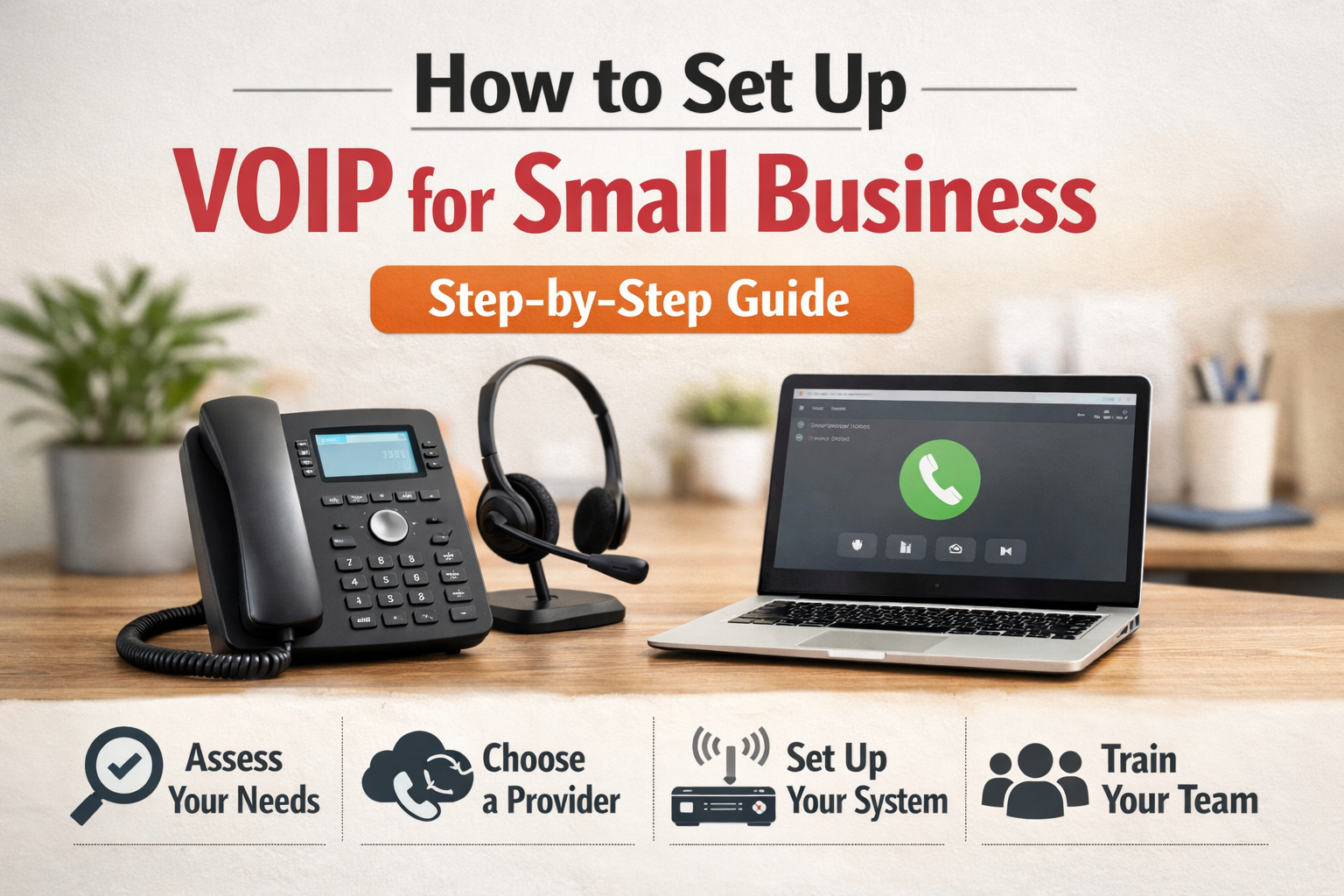
Do you still have a stiff old-fashioned phone system that makes you scale it down and kills your budget? VoIP is a high-tech alternative that can save your money (think: up to 60% of your monthly bill) and provide you with high-tech features that will increase your communicative effectiveness. But what about configuring VoIP, you ask?
Certain companies avoid VoIP because they believe that it is difficult to set up. By the proper method, VoIP can be implemented easily and effortlessly.
This blog will help you install VoIP in no time, spend a minimum on initial expenses, and realize the full business potential of your new business phone system.
What Is VoIP?
Voice over Internet Protocol (VoIP) is a communication technology which enables you to have voice conversations using internet rather than traditional analog telephone lines. It encodes audio into digital data packets which move across the internet.
How Does VoIP Work?
A VoIP phone system is used to connect IP phones (also called VoIP phones) or softphones (mobile and desktop applications) to the internet via a VoIP provider.
The audio is also coded into bits of data and sent through the internet via the Internet Protocol (IP). Where needed, the data center of the provider transfers the data to analog signals and sends it over the public switched phone network (PSTN).
VoIP technology does not require you to have any hardware or software hosted on your side. VoIP server and all the technical infrastructure are managed by a third-party VoIP provider.
What is required to make a VoIP Setup?
VoIP is an easy setup to install, but you have to know what you require in a VoIP setup.
1. High-speed internet connection
VoIP phone service requires a high-speed internet that is reliable. VoIP calls also demand enough bandwidth to deliver audio data in real-time without any disruptions and without quality problems.
As a rule, 100kbps of upload and download bandwidth (or both) is required in a single concurrent call.
Most of the current broadband internet plans offered by cable/fiber providers should be adequate, but you will want to check your speeds. VoIP can be connected via a wired ethernet connection to reduce interference and packet loss.
2. A reliable VoIP service provider
You will have to subscribe to a VoIP phone service by a reputed provider. The VoIP platform is hosted by the provider and your calls are routed via the internet.
They give you new VoIP phone numbers or port existing numbers. The majority of providers are giving monthly or annual service plans with varying features and lines.
3. VoIP phones/headsets or softphones
VoIP requires VoIP-capable hardware, such as handsets, IP phones, VoIP headsets, or a softphone application, to both give and accept VoIP calls.
- The IP phones appear like ordinary phones though they have an ethernet port to be connected with your network.
- VoIP headsets are more mobile when wireless.
- Softphones are used on your computer, tablet or smartphone (Android or iOS) as a virtual phone and allow you to make calls practically anywhere as long as you have a good internet connection.
4. Optional hardware
Some other supplies you may require are:
- Routers: VoIP-enabled routers with QoS are optional, but can be used to prioritize voice packets to improve quality of voice calls.
- Analog Terminal Adaptors (ATAs): These are devices that convert your ordinary analog telephone into a VoIP device, which connects to your router/network.
As a bare minimum to establish an VoIP phone system, you require the internet pipeline, a VoIP “pipe” vendor, and VoIP end-point equipment. Other hardware, such as VoIP routers and ATAs, can be added optionally as needed.
Easy Steps to configure a VoIP Telephone System
And now to install your VoIP phone system. We will examine some of the basic steps to install VoIP quickly.
1. Test your network readiness
Your internet connection needs to be of adequate bandwidth before you can get going because the VoIP calls need to be supported without any interruptions. As pointed out above, you will require at least 100kbps of upload and download bandwidth per simultaneous call.
Check your internet speeds by running a speed test and also test other variables such as jitter and packet loss which may affect the quality of your call. Wire ethernet usage is better than WiFi usage, in order to reduce interference.
With multiple users, or any application that uses a lot of bandwidth, you can set Quality of Service (QoS) in your router to give VoIP traffic priority and thus be able to perform optimally.
2. Select appropriate VoIP equipment.
After VoIP-enabling your network, you will have to invest in the appropriate hardware that fits your requirements.
VoIP desk phones with RJ-45 ethernet support a well known telephony experience, just like analog phones. Headsets based on VoIP can be used as wireless headsets.
For a phone that makes your phone calls sound excellent, then you need to invest in a quality VoIP desk phone such as the Polycom VVX601. Both desk phones have more affordable alternatives too, should you only need to make and take phone calls.
Virtual VoIP phones may be used as softphone applications that can be run on a computer or cell phone to help businesses reduce upfront costs. There are also analog telephone adapters (ATAs) which enable you to use your already available standard analogue phones with your new VoIP system.
3. Find a VoIP Provider with match
Having sorted out the networking and hardware requirements, now you want to pick the most appropriate VoIP service provider with the features that your business requires.
Find companies that have a sophisticated call routing service so that calls can find their way to the appropriate individual or department.
Auto-attendant and interactive voice Response (IVR) menus provide a professional appearance to welcome callers. Reporting and call analytics help you to follow the performance of agents and call statistics.
The vast majority of the providers can also be connected to customer relationship management (CRM) platforms and offer collaboration features including video conferencing, screen sharing, and team messaging.
Also, look for security features like end-to-end encryption and compliance with key data privacy protocols.
4. Get a business phone number
During the process of subscribing to a business VoIP service, you may request the transfer of your current phone numbers, or you may acquire new local, toll-free, or vanity numbers (ex: 1-800-FLOWERS) that conform to your company branding and market identity.
This process of porting is smooth with most reputable VoIP providers.
5. Set up your VoIP phone system
After creating your VoIP provider account and purchasing phone numbers, you just need to install and configure your VoIP devices physically.
With dedicated VoIP phones, you can just connect them to your business data network with Ethernet cables. Connect any VoIP headsets in accordance with the instructions provided by the manufacturer using cables or Bluetooth connection. And install softphone applications on computers or mobile devices that will be used in VoIP.
- Softphone Setup: Softphones Software applications that enable you to receive and make calls on your computer or smartphone. You will need to download and install the software of the VoIP provider and set up your account settings using the credentials your provider gave you. This is usually a matter of entering your username, password and VoIP server details. Once setup make a call to check that it works.
- IP Phone Set up: IP phones resemble any standard phone, only that they are directly linked to your network router. Connect the router to the IP phone with an ethernet cable. Most probably the phone will have a web interface or menu system on which you can enter the account details of your VoIP providers. Please refer to the manual of your phone. After configuration, take the receiver and put your new VoIP system into test.
6. Test your new VoIP line
It does not matter whether you have a high-speed internet connection or not, but before rolling out your new VoIP phone lines, you should first test them thoroughly before fully deploying them. When calling the tests, you should listen to the following:
- Audio Quality: There should be no low-quality calls with statics and echoes among other sound problems. When there is poor audio, then it becomes hard to talk to each other.
- Latency: Reduction of delays between the moment you utter and when the other party receives it. Significant latency disrupts natural conversation flow.
- Connection Stability: Keep track of temporary drop or disconnection of any calls that might be due to firewall settings that cancel calls after a fixed period such as 11 minutes. Plans long test calls of 15-30 minutes.
Give it a test at times when the network is in its busiest state when various devices/applications are using the bandwidth. A dropped call, choppy audio, and other VoIP problems can be caused by network jitter and congestion.
7. Train employees on VoIP.
In the case of most businesses switching to VoIP, it allows them to enjoy the benefits of more sophisticated telephony features that their traditional phone system did not offer, including:
- CRM integration for screen pops of customer data
- Rules and policies of custom call routing.
- Voicemail to email/text transcriptions
- Call recording to the cloud
- Video conferencing and collaboration tools
However, two-thirds of managers think that their employees are too slow to adopt new technologies. Also, make sure you train properly to ensure that all the employees are well aware of and can use all the wonderful VoIP features so that they can be more productive.
In Conclusion:
During a period whereby communication has the potential to build or destroy relationships with customers, a wise and strategic move to a small business is to invest in a VoIP system. VoIP improves the cost of communication and provides the scalability and flexibility required to support remote teams, scale operations, and provide a professional experience to clients.VoIP enhances the economics of communication, offers the scalability and flexibility to support a remote workforce, scale operations and deliver a professional experience to clients. VoIP also transforms the manner in which your employees interact with each other, and with your clients, with its uses including auto-attendants, voicemail-to-email, call forwarding, and basic connections with your current products.
With the right provider and a good internet connection, your business will experience high-quality, reliable voice communication anywhere, anytime.
FAQS
Q1. Can VoIP be trusted by small companies?
Yes, VoIP is very reliable–unless you do not have a stable internet connection. Latest VoIP systems provide 99.9 percent uptime and top-quality calls, even when an individual is working remotely.
Q2. Am I able to retain my existing business phone number?
Yes! A majority of VoIP companies permit the porting of numbers to enable you to port over your current landline or cell phone number onto your new VoIP service.
Q3. What equipment do I require in VoIP?
Not necessarily. Most VoIP providers have softphone applications that can be used on computers or cell phones. But on the other hand, you may also use IP phones or VoIP adapters when you want desk phones.
Q4. How secure is VoIP?
VoIP can be secured when it is taken care of. Find providers that will provide encryption, firewalls, secure data centers, and two-factor authentication (2FA) to protect their accounts.
Q5. What will become of the internet going down?
Most VoIP systems have failover options, which include forwarding calls to a mobile phone/voicemail in case your internet connection drops. Mobile apps related to cellular data can also be used.