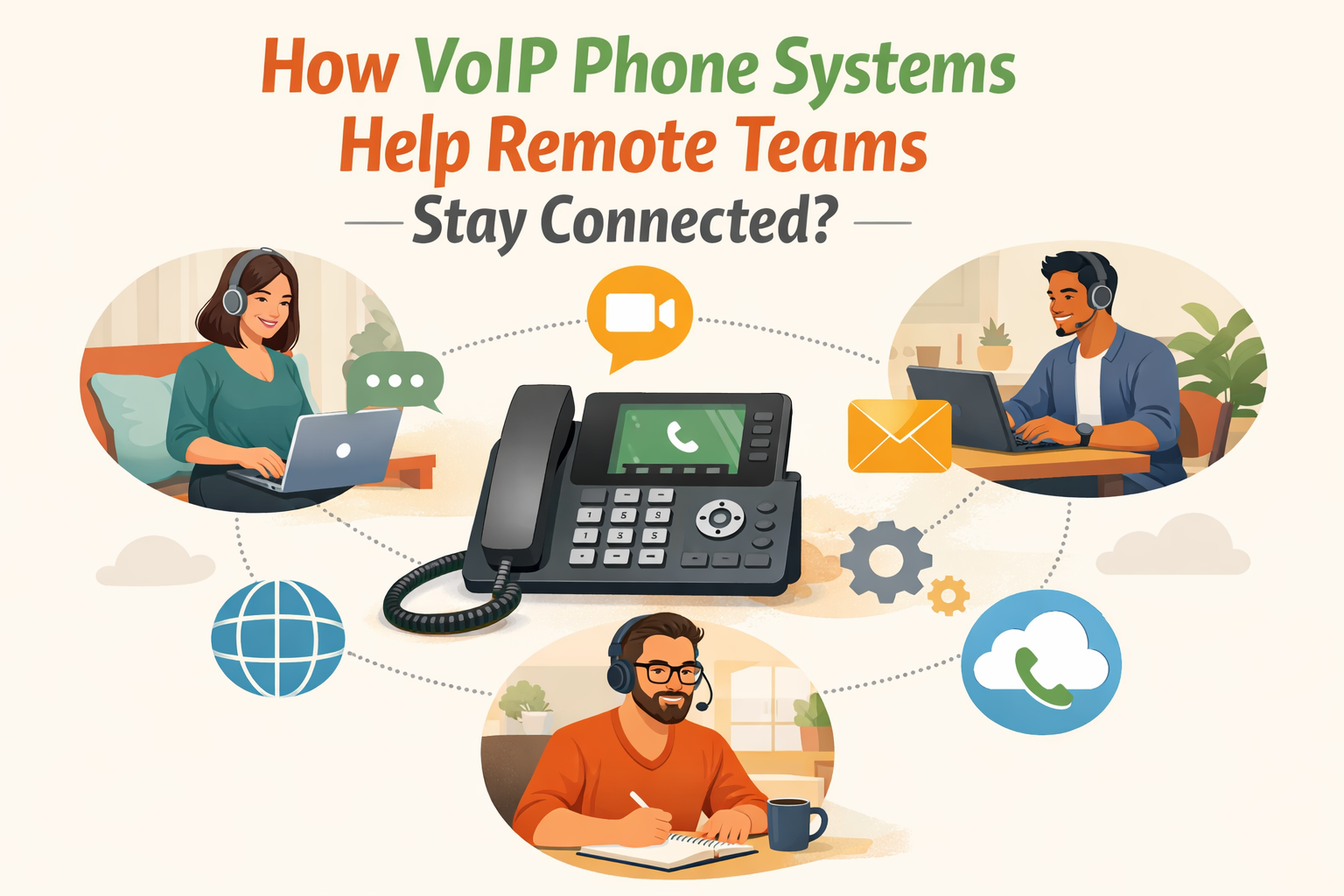
With hybrid and remote work being the new normal, companies should offer their teams the same tools that they use in the office, regardless of the location. Remote VoIP achieves that by porting such desktop features as high call quality, security, and integrations to remote workers.
Remote VoIP guarantees professional message delivery, whether it is a case of a financial advisor making a secure outbound call to the clients without having to leave the home, or a logistics group executing transportation arrangements by providing them on the move.
The following blog will discuss how VoIP phone systems help remote teams stay connected.
What is a remote VoIP phone system?
A virtual phone system or voip (voice over internet protocol) phone system, a remote phone system, is a type of phone system that enables businesses to receive and make calls anywhere as long as the surrounding area has an internet connection. It does not use a normal telephone line, but it makes use of VoIP technology to send voice calls over the internet.
Just imagine having the same kind of thing that you would have in your office except there is no office. Whether you stay at home, at a coffee shop or on the beach, you can access your business phone number.
Phone systems in the remote office are not only liberating communication outside of the physical office itself; they also offer small and large businesses alike flexibility and scalability, as well as cost advantages.
In the case of offices, this implies that employees may work on a home office basis, office presence, or continuously on the move and still ensure a consistent and professional phone presence. Productivity and team collaboration are also increased by integrating it with other indispensable business tools.
Types of Remote VoIP Phone Systems
The top business phone system types when it comes to remote working include:
1. VoIP (Voice over Internet Protocol) Systems in the cloud
A cloud phone system is a common system in remote teams. Voip phone systems rely on the internet in delivering voice calls and this is relatively cost-effective and scalable.
They are also bundled with features, such as call forwarding, voicemail transcription, virtual numbers, and other tools to integrate with other business tools. Examples of popular VoIP providers are Nextiva, 8×8 and Ooma.
2. Virtual phone systems
Just like VoIP, virtual phone systems work completely online. They bring a variety of capabilities such as auto attendants, call routing, call recording, which makes businesses have a professional office phone system without the overhead cost of the traditional hardware.
Some of them are Grasshopper, Google Voice of Business, and eVoice.
3. Softphone applications
Softphone apps will enable you to make and get call on your computer or mobile phone, and convert your gadget into a phone. It is useful when one has to use his or her own devices as is the case with remote workers.
Well-known softphone applications are Nextiva, Zoiper, Bria and Linphone.
4. VoIP mobile apps
Mobile VoIP applications are adapted versions of softphones that run on smartphones and tablets to enable users to call using their cellular data or wirelessly (Wi-Fi). This would be a great solution to the employees who are mobile.
Popular mobile VoIP applications are Skype for Business, WhatsApp Business, and Viber.
What are the Advantages of a Remote Office Phone System for remote teams?
Remote access is synonymous with flexibility, and flexibility is the key to the best customer service. So what are the primary benefits of having a remote office phone system in your business:
1. Seamless connectivity
Carry your phone number to the office around. There are no more juggling personal and business lines. Make and receive high-quality phone calls regardless of wherever you are and do not experience missing an important business call.
You are not fixated to your desk chair, just install a mobile or desktop app and make calls conveniently on-the-go. It maintains contact with clients and fellow employees, so that you are always available, wherever you are working (through a home office phone) or on the road.
2. Unified communications
A remote business phone system eliminates the inconvenient process of finding personal cell phone numbers. Virtual extensions and call forwarding help to stay in touch.
You have voice calls, video conferences, instant messaging with screen sharing, and SMS all bundled in one. Chat, talk, or collaborate with anyone in your team regardless of geographic location. One can also conveniently change between the various forms of communication in case they are necessary.
3. Increased efficiency & management
Functionalities such as virtual voicemail and call routing can assist your team to be organized and on schedule.
An up-to-date company directory promotes the ability to find another employee in the shortest possible time, thus saving time and increasing efficiency. Instant messaging and presence indicators provide your team with real-time communication features to stay in touch and be responsive during the course of the workday.
One more number offered by virtual phone systems is a local phone number and a toll-free number. PBX systems enable workers to remain reachable through their office numbers. The remote phone flexibility maintains your workforce in shape and with their targeted aspect, irrespective of their locations.
4. Significant cost-savings
A distance office telephone helps a firm save money. It helps to do away with traditional phone lines and equipment thus which saves you lot of up front investment and periodic maintenance requirements.
VoIP telephony provides cheap call rates and a form of monthly subscription that is reliable as compared to traditional PBX, particularly for long-distance and overseas calling. And the fact that you can scale your system up and down as required means that you only pay what you use, and thus it is affordable even to small companies.
5. Security & privacy
User custom permission enables you to grant access to VoIP functionality depending on the need, providing you with control in the system settings and security. Security infrastructure such as encryption of calls is provided and managed by your VoIP provider and you do not need to bother about it.
In addition to that, the separation of personal and business communication helps preserve professionality and safeguards the personal information in contact as well as your team.
A remote work phone system provides you with the flexibility and features to make your team connect, efficient and safe, no matter where they are. It is a current phone service to the changing workplace where your business can run it anywhere without incurring huge costs.
Must-Have Features of VoIP phone systems to help remote teams stay connected
Tools and other strategies of remote working facilitate flexibility in the workplace.
An ideal process of establishing a remote office phone system involves having a good VoIP phone system that allows users the operational capability that only advanced, call centers used to enjoy. Most of the recent office phone systems have made these calling features standard.
The best VoIP functions that you are looking forward to finding on a remote office phone system include the following:
- ACD (Automatic call distribution):
Automate the call and direct it smartly to your available business agent and have fewer dropped or missed calls and effectively support your customers.
- Auto-attendant:
Have a virtual assistant and interactive voice response (IVR) professionally answer your callers and follow them through a phone menu and direct them to the correct person or department.
- Caller ID:
With remote agents, you can immediately know who is calling even when you are not at your desk.
- Call forwarding queuing:
The inbound calls are easily redirected to a team member on the device of their choice and in case of unavailability, the caller is put in a queue. The use of call queues eliminates dropped calls.
- Transcription and virtual voicemail:
Message access, control and even read voicemail messages with ease by use of a friendly interface.
- Elite call management:
Technologies such as conference calls, call transfers and multi-ring help in improving teamwork even when team members are separated.
- Call analytics:
Learn how the call volumes fluctuate, customer call-in time preferences, and the work of the service team to effectively provide the customers with the services and make evidence-based decisions.
- Call recording:
Training, quality assurance, and dispute resolution are recorded to hold individuals accountable and bring about constant improvement.
- Business integrations:
Make your office phone system connected to the tools your business already uses, including CRM or customer relationship management, project management, and team collaboration tools. With outbound call functionalities that are integrated into your CRM and with your CRM, you will improve the efficiency of your sales team by reaching customers better.
- Android and iOS app:
Invest in a smartphone application that resembles the functions of the desk phone and make all of your offices mobile phone-based. Remote work phones allow your workers to remain in contact with each other and with the workplace and transform any smartphone into a business communication machine.
Bottom Line:
Your phone system should be more than an ordinary phone system that only allows calling. It is supposed to keep your team in touch even when they are in different places, close communication gaps, and facilitate real-time collaboration easier. Ideal remote phone system must be device-friendly, it needs to support virtual numbers, provide a high level of security, and it must be easy to integrate with the existing tools used by your team.
FAQs
Q1. What is the functionality of a Remote Office Phone System?
Remote Office Phone Systems are those Virtual Phone Systems that work on the Internet. The information sent is conveyed by the internet and served to the call recipient at the other end. The agent can make calls using any of the mobiles, desktops, laptops etc at any location according to his/her choice.
Q2. What is the cost of establishing a Remote Office Phone System?
It varies according to various aspects including functionality, budget, corporate requirements and customization. TeleCMI has various affordable costing plans and you can select that which is suitable to you.
Q3. Is the Remote Office Phone System hard to configure?
Of course, it is easy. The only requirements the businesses require are a strong internet connection and the ability to make calls.
Q4. Will I be able to use my current telephone number on a remote phone system?
Of course, most providers who provide VoIP services will enable you to keep your old telephone number by porting your number to their system. Through this, you can be able to retain the same phone number in setting up a remote business.
Q5. Are there free phone systems for remote employees?
Well, yes, some providers do have a free phone system for the remote worker but with minor features and access.